

How to book a taxi
From your booking to the moment your driver picks you up: here is how it works and what to expect. Booking only takes a few minutes.
Book directly in three steps
You see the fixed price before you book. You do not need an account.
Step 1
Your journey
Enter your pickup address, destination, date and pickup time. Choose your address from the suggestions for the most accurate price.
Being picked up at the airport? Enter your scheduled landing time and your flight number.
You can add a stop or a return journey in the same step.
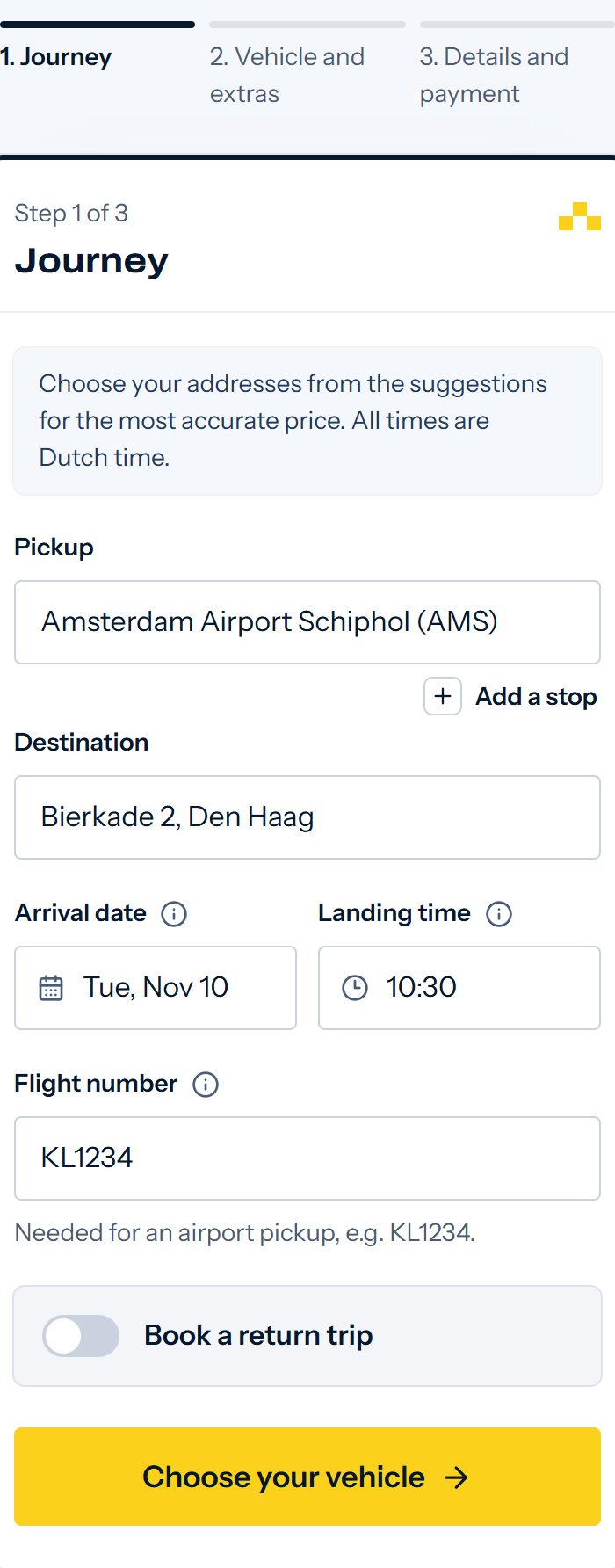
Example from the booking form. The price depends on your journey. Step 2
Vehicle and extras
Tell us how many people are travelling and how many suitcases you bring. You see the vehicles that fit, each with a fixed price.
Choose your vehicle and any extras, such as a booster seat.
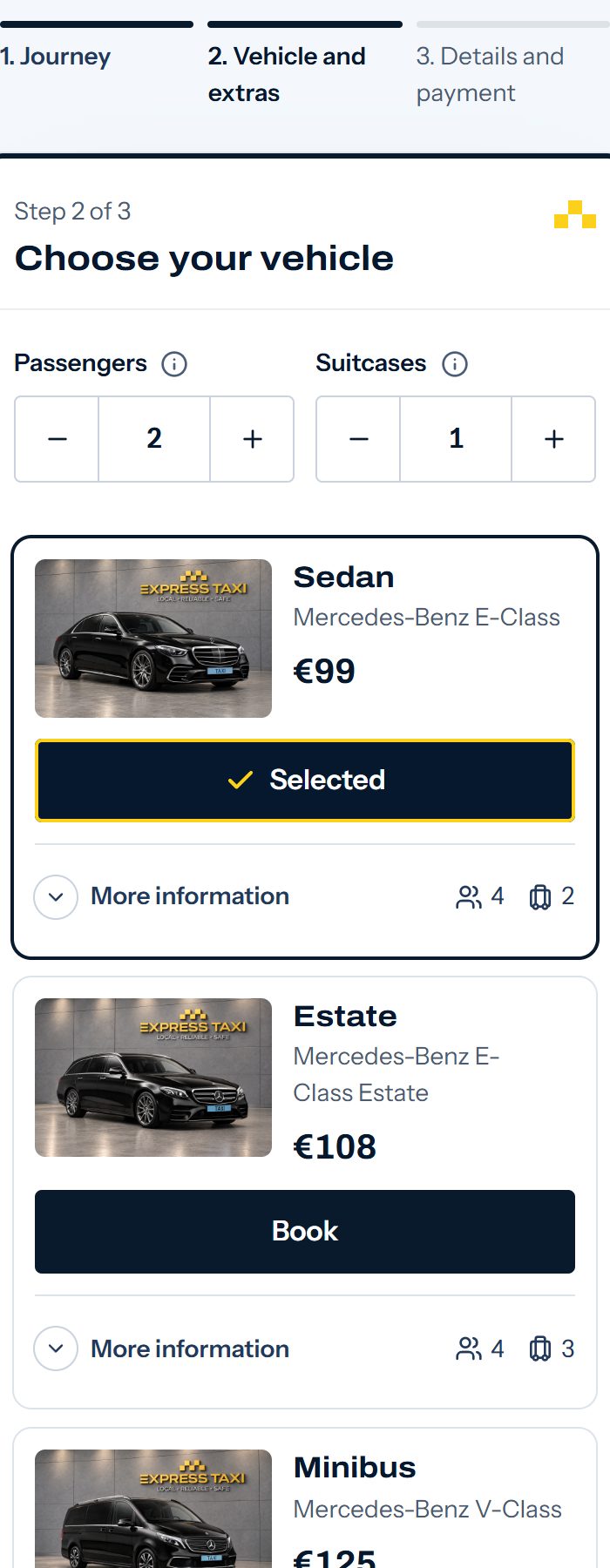
Example from the booking form. The price depends on your journey. Step 3
Details and payment
Enter your name, email address and phone number. Your driver uses your phone number to reach you on the day of your journey.
Choose how to pay: online (iDEAL or credit card) or in the taxi (cash, debit card or credit card). Check your journey and confirm your booking.
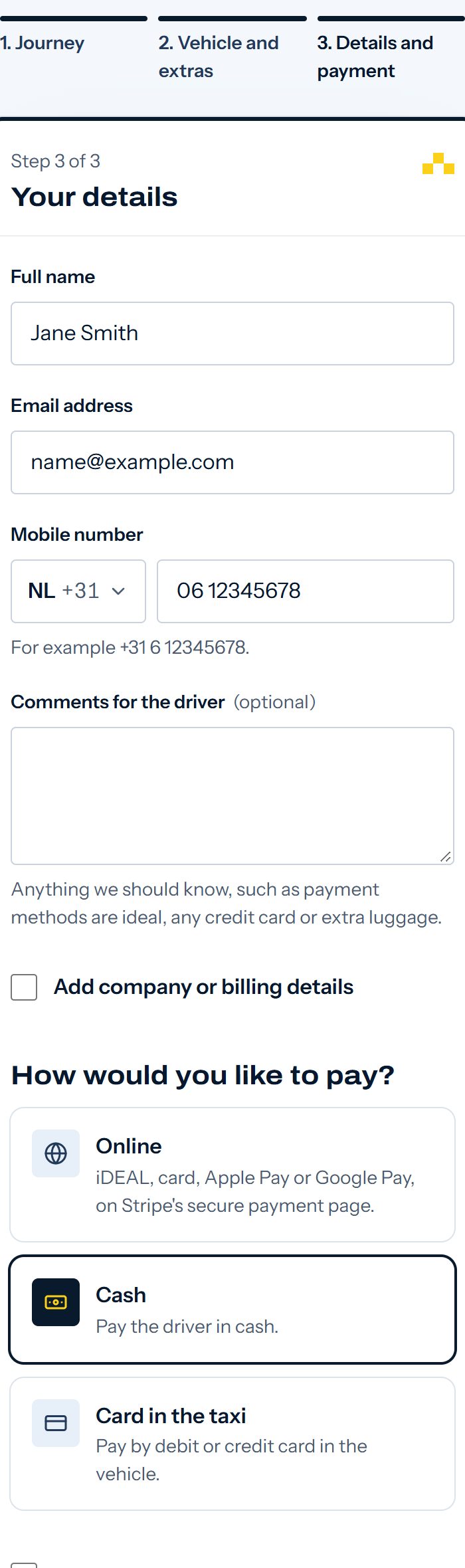
Example from the booking form. The price depends on your journey.
We recommend booking at least 8 hours ahead. At shorter notice you can book up to 2 hours before pickup, when a driver is available.
Request a quotation
For longer journeys you can book directly or request a personal quotation first. A quotation is useful for:
- several stops or a special route
- groups or more than one vehicle
- business journeys and special requests
Enter your journey
Use the same booking form as for a normal booking.
Choose Request a quote
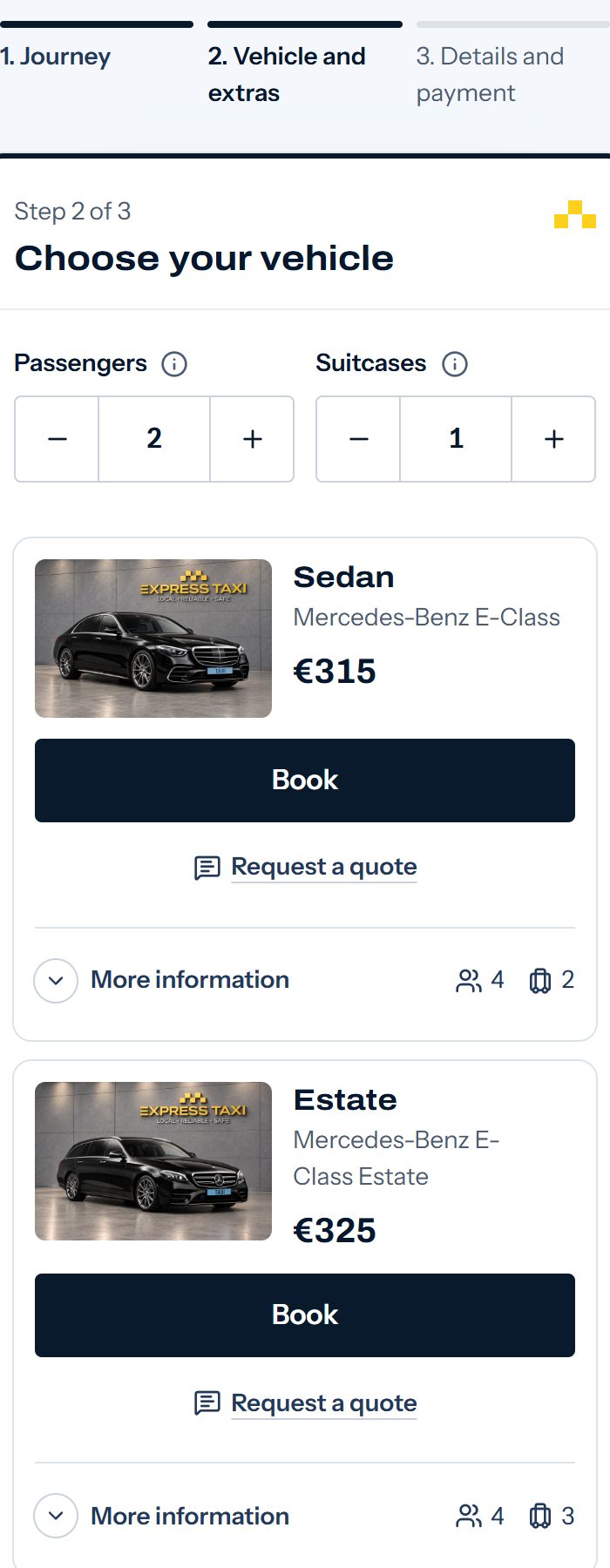
On a longer journey, each vehicle shows a Request a quote button next to its price. Then enter your details and requests.
Receive your quotation
Our team reviews your request and emails you a personal quotation with a link.
Accept online
Open the link, check the journey and the price, and choose Accept quote. The quotation is valid for 48 hours. Then you choose how to pay.
Requesting a quotation is free and is not yet a booking. Your journey is booked once you have accepted the quotation and received your booking confirmation.
Prefer to talk it through first? Send us a message on WhatsApp.
What happens after you book?
Confirmation by email
Within a few minutes you receive an email with your booking reference, your journey details and your personal My Booking link. Paying online? Your confirmation follows once your payment has been processed.
My Booking
Use the link in your email to view your booking. You can change your journey up to 2 hours before pickup and cancel free of charge up to 3 hours before pickup. After that we charge 30% of the journey fare.
Your driver is scheduled
We schedule a professional driver for your journey. Once that is done, My Booking shows your driver's name, phone number and vehicle.
Contact before pickup
Your driver normally contacts you before pickup to arrange the meeting. Keep your phone switched on.
Your journey
Your driver takes you door to door to your destination, for the price you saw before booking.
Where do you meet your driver?
Your confirmation email tells you exactly where to meet your driver. In short:
At an address
Your driver is at your door at the scheduled pickup time and waits for you.
Schiphol
After customs, go outside at Departures 2 (upstairs), not to the Arrivals Hall. Booked the Meeting Point service? Then your driver waits inside the Arrivals Hall at the Meeting Point, with a name sign.
Pickup instructions with photosRotterdam The Hague Airport
Right outside the terminal exit, at the Kiss & Ride (K&R) area.
Pickup instructions with photosEindhoven Airport
Outside the main terminal, at the Kiss & Ride (K&R) area.
Pickup instructions with photosBrussels Airport
See the pickup instructions for Brussels Airport.
Pickup instructions with photosDüsseldorf Airport
See the pickup instructions for Düsseldorf Airport.
Pickup instructions with photos
Airport pickups and your flight
- Enter your scheduled landing time, as shown on your ticket. You do not need to add time for baggage or customs.
- Enter your full flight number, for example KL1234. Your driver follows your flight and adjusts to an early or late arrival.
- Keep your phone switched on after landing. Your driver contacts you to arrange the pickup.
- Delayed at baggage claim or customs? Let your driver know.
- Has your flight been cancelled or diverted to another airport? Send us a WhatsApp message as soon as possible.
Frequently asked questions
Ready to book?
Fixed price in advance, no account needed.